- My booking
- Online Check-in
- Flight extras
- Financial services


 Booking
 Skyshop
 Hotel
Hotel
 E-Voucher
 E-Sim
E-Sim
 E-Visa
 Buy foreign currency
 Insurance
 SkyJoy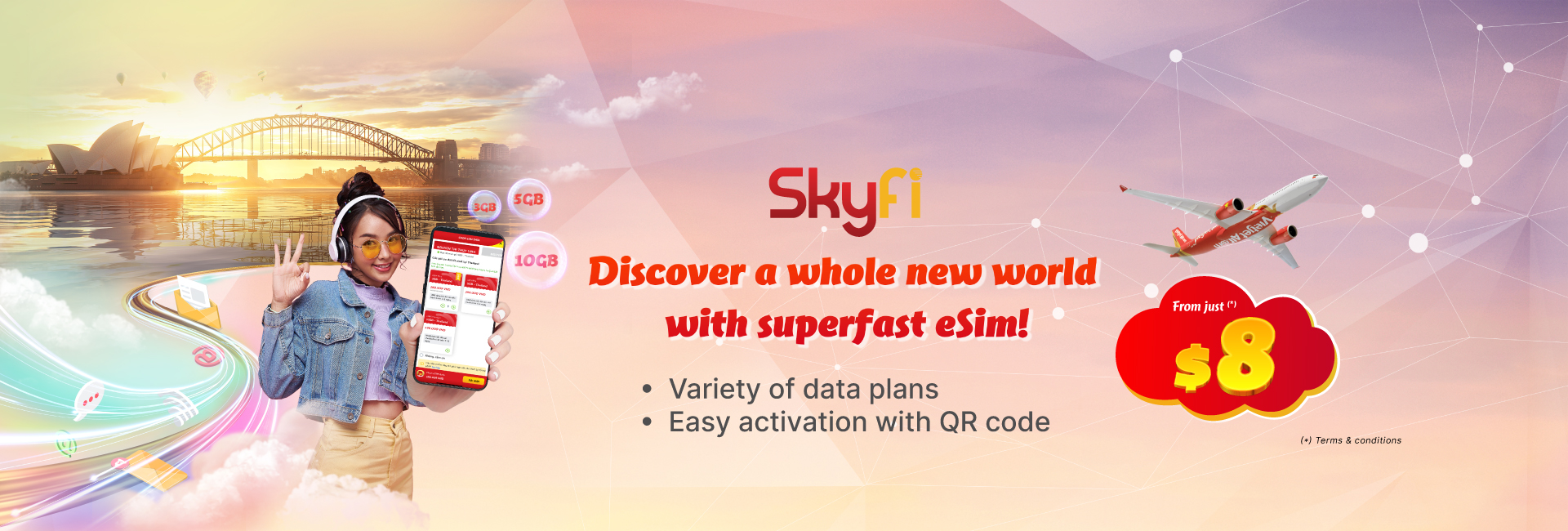


Departure date

Return Date

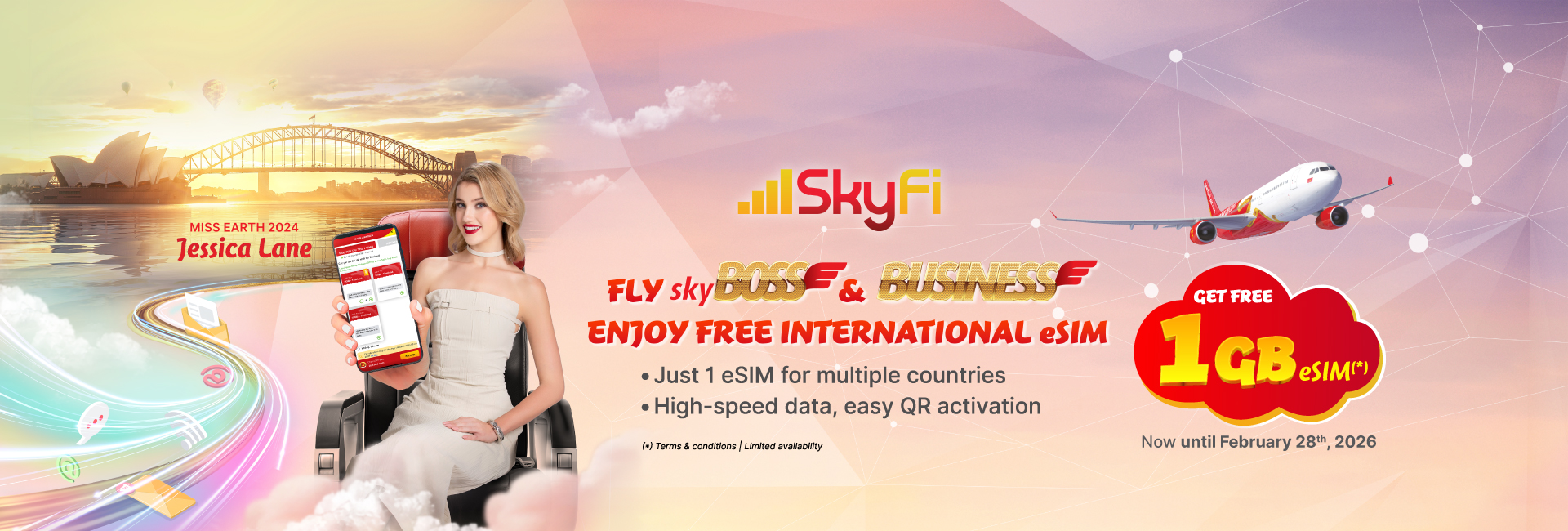
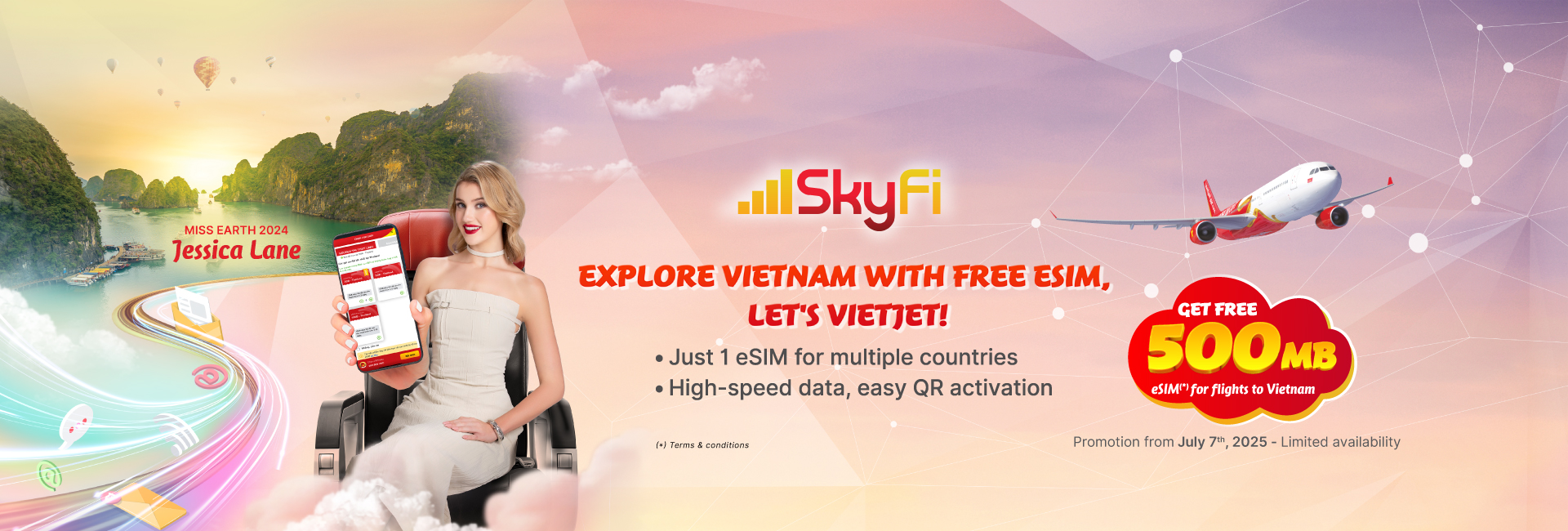
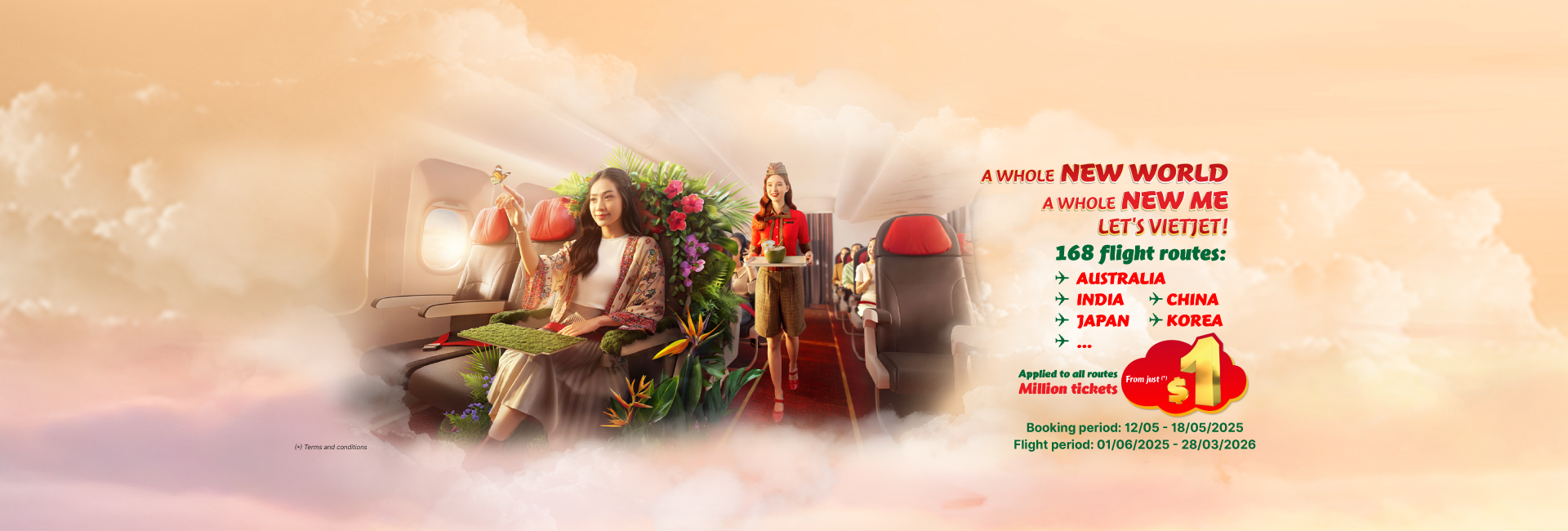
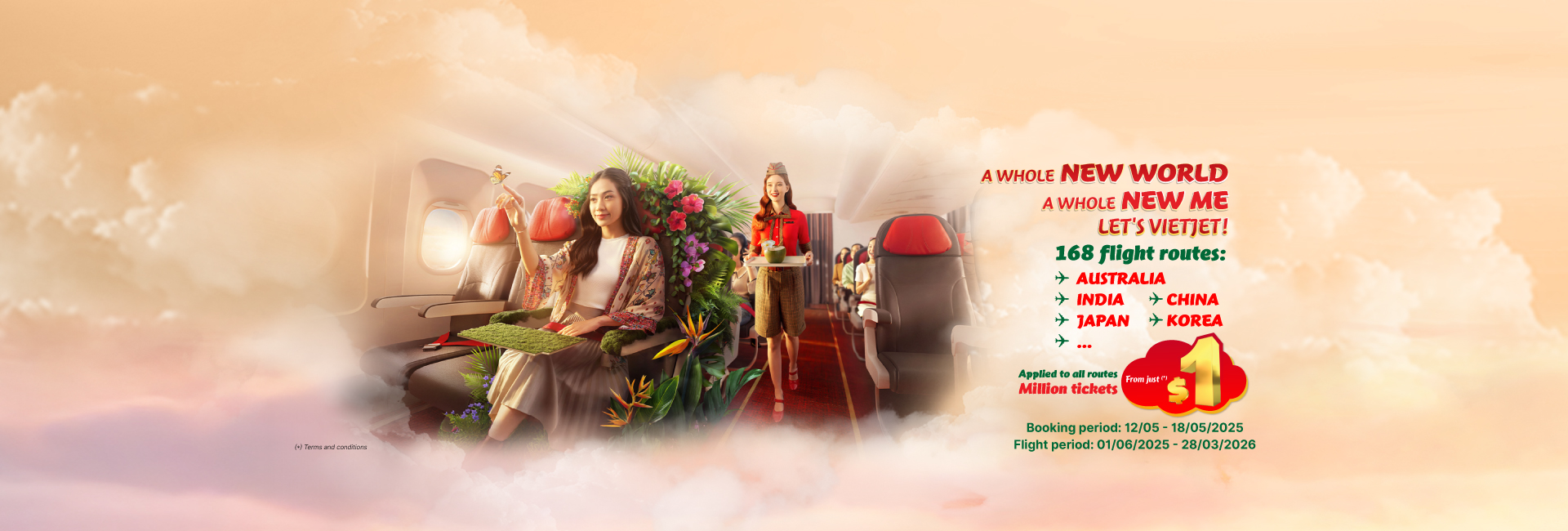
Discover a whole new world with superfast eSim!
Customers purchasing an international eSIM on the Vietjet Website or Mobile App can access high-speed internet in over 200 countries worldwide.
SKYFI ESIM SERVICE FROM ONLY $8
1. SkyFi eSIM purchase channels: Vietjetair.com website or Vietjet Air mobile app.
2. How to buy an eSIM during flight ticket booking:
- Step 1: Visit vietjetair.com or the Vietjet Air mobile app
- Step 2: Select departure and destination locations
- Step 3: Choose flight time
- Step 4: Select flight
- Step 5: Enter personal information
- Step 6: Select SkyFi eSIM
- Step 7: Choose eSIM package & quantity
- Step 8: Make payment
3. How to buy an eSIM directly (without booking a flight ticket):
- Step 1: Visit vietjetair.com
- Step 2: Select Flight Extras -> Choose eSIM
- Step 3: Select the country/region where the eSIM will be used
- Step 4: Choose eSIM package & quantity
- Step 5: Enter contact information
- Step 6: Make payment
4. SkyFi eSIM Pricing: For detailed pricing, please refer here.
5. Instant Payment Options
- 5.1. Payment methods when purchasing an eSIM during flight ticket booking**:
- Credit cards: VISA/MASTER/JCB/AMEX
- ATM cards registered for E-Banking
- E-wallets: Apple Pay/Samsung Pay/SkyPay/MoMo/ZaloPay
- Pay ID/Smarto Pay/Alipay (applicable in Australia/South Korea/China)
- 5.2. Payment methods when buying an eSIM directly (without booking a flight ticket)**:
- International payment cards: VISA
6. Notes:
- Check the compatibility of the eSIM with your device during the purchase process or here
- After successful payment, customers will receive an email containing a QR code to activate the SkyFi eSIM (with detailed installation instructions).
For any questions or support, please contact us via email: customercare@skyfi.vn










































































































































































Buy Baggage, meals, choose seats and more…
Contact Center